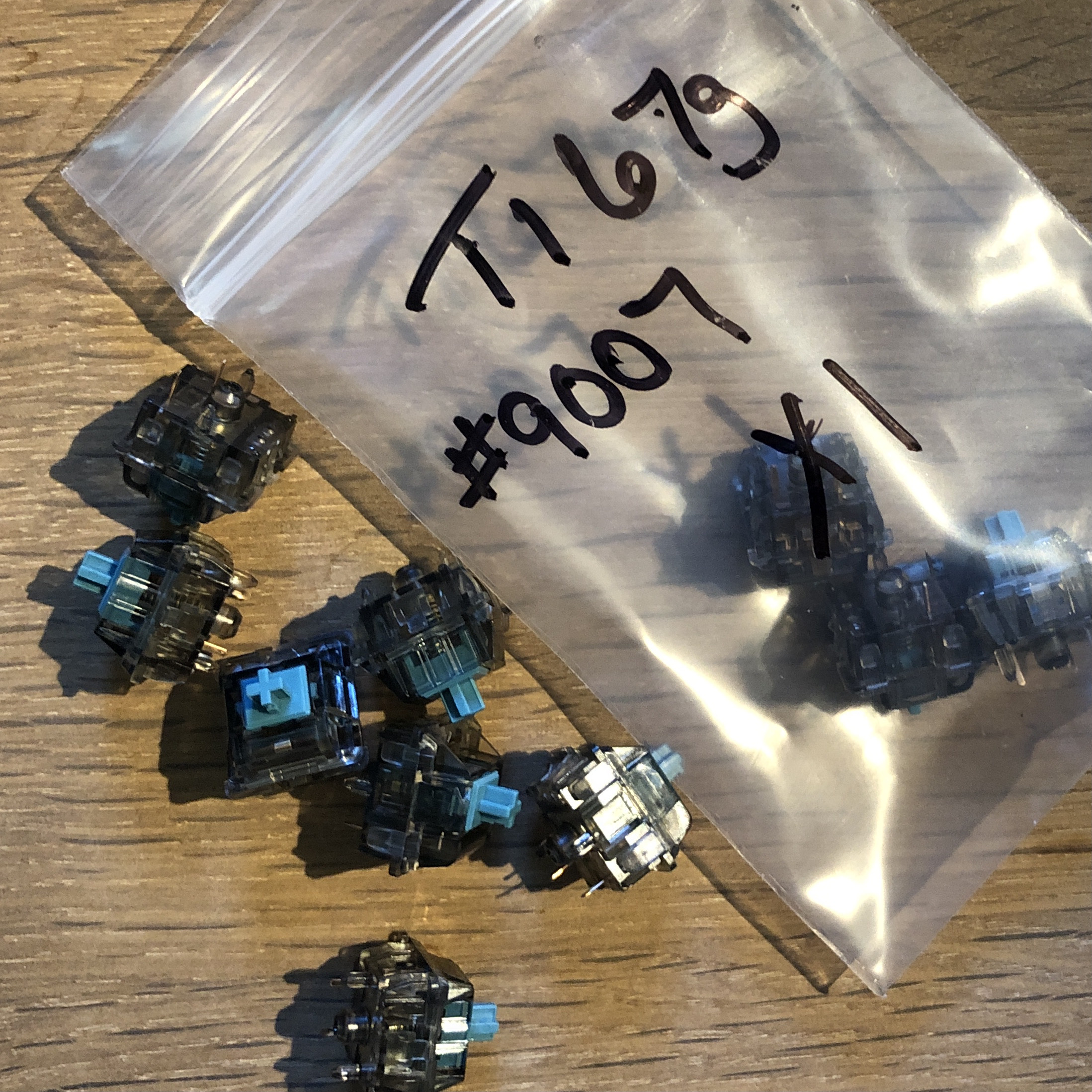
The hardware flash mode on the Q1 requires removing the space bar and pushing a tiny button while plugging in the keyboard. But you can program a key to do this instead. This is a massive improvement! Fiddling/Learning QMK would be terribly cumbersome otherwise.
The great part about running a static blog with Hugo is remembering how all the partials and templates and stuff work, after only minimal hunting and finding in the terminal. That done, I’m enjoying making a few small updates and doing some cleaning this Saturday afternoon.

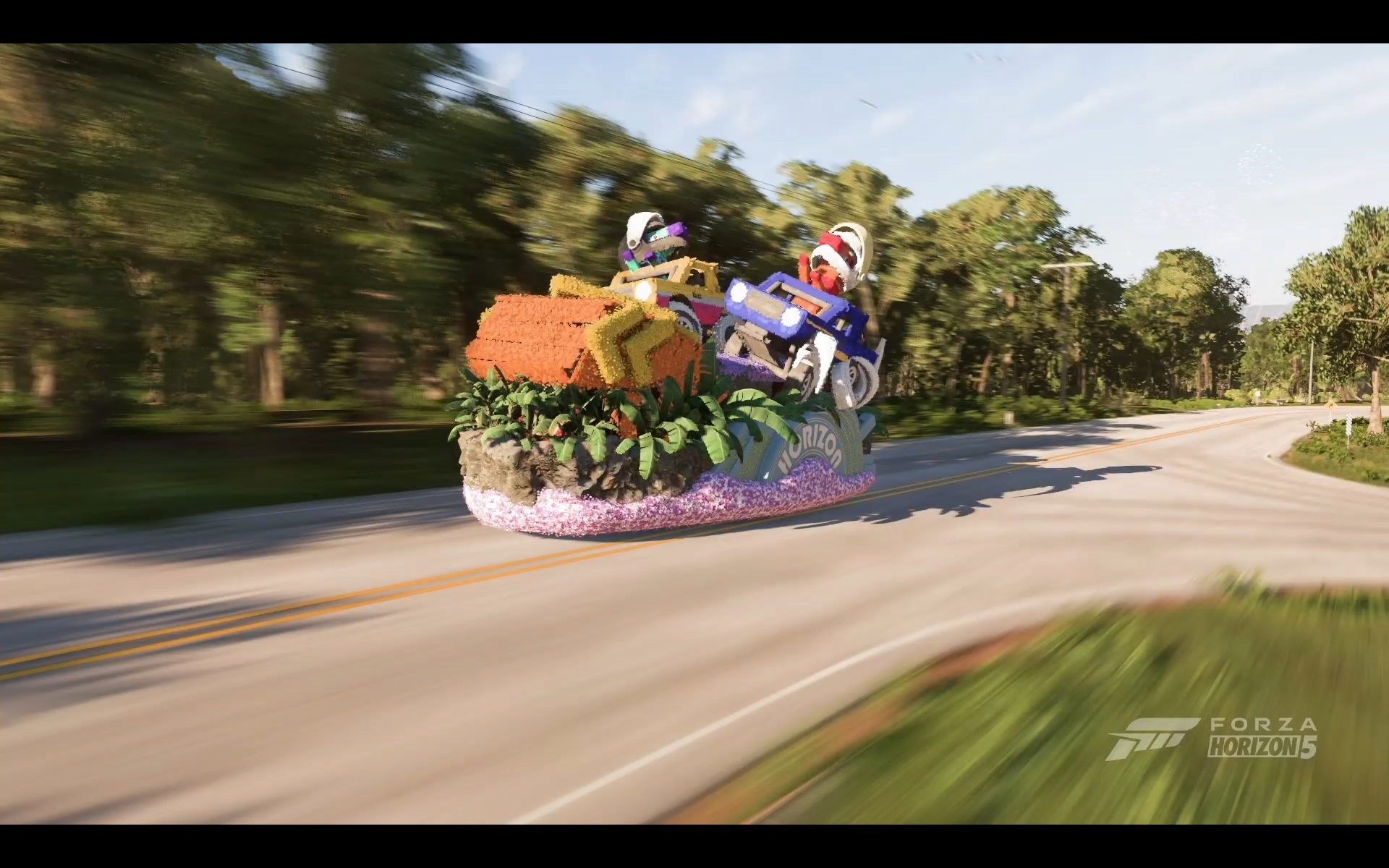
🎮 I’m having quite a lot of fun in Forza Horizon 5, and the photo mode is great. Also, there’s an event where you drive a two-story parade float off a ramp into a canyon at 80mph. Recommended.
Keyboard programming with QMK update: Adding more vim keys to a new layer on my Q1! After a long time idly thinking it would be neat to have vim-style navigation in, for example, an Outlook compose window, I can now toggle layers and do exactly that. It’s pretty slick.
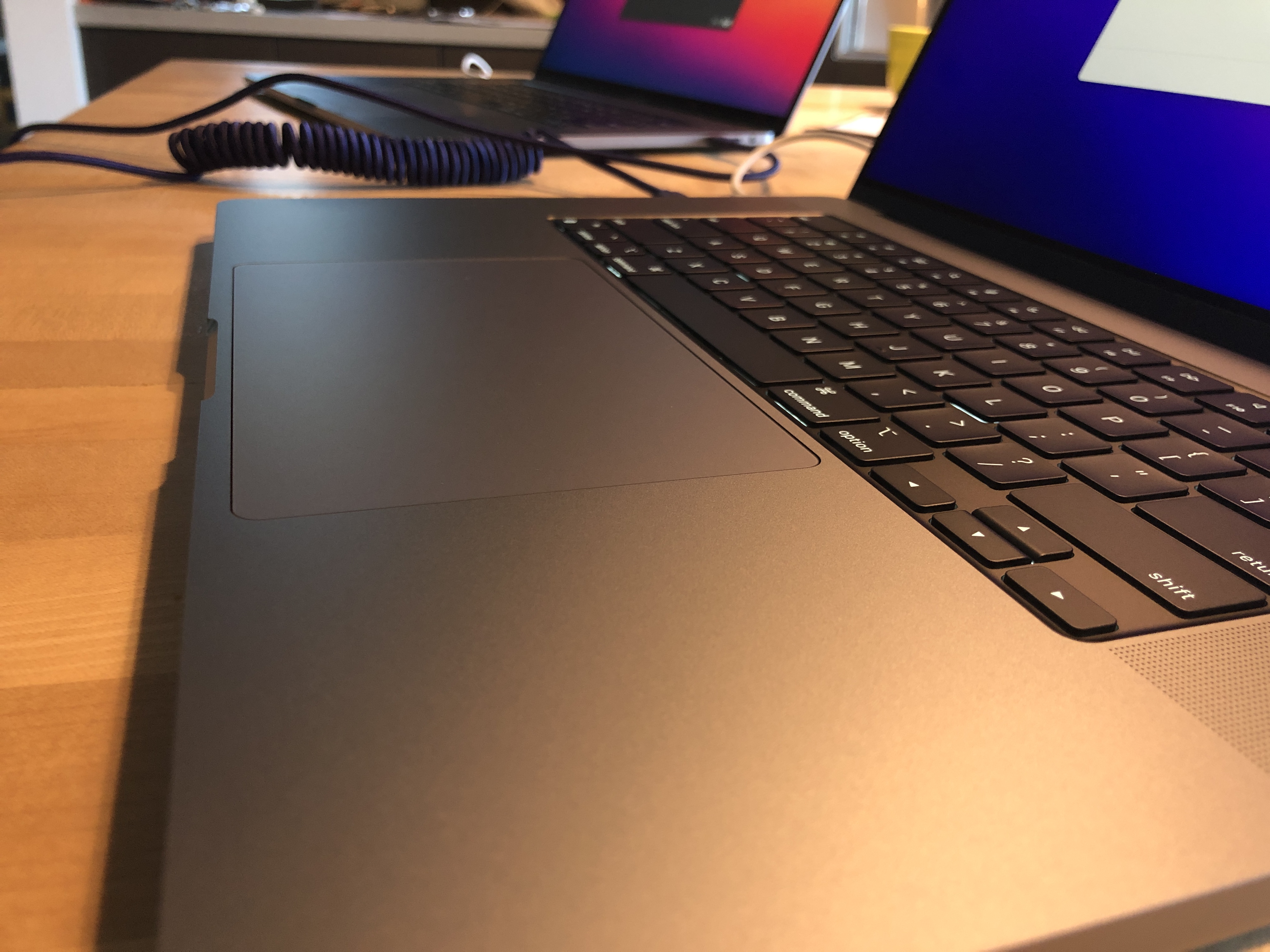
I used Migration Assistant and it’s actually anticlimactic how cleanly my shiny new MacBook came up just like the prior one. I had to run a couple of updates to get brew up to current, but otherwise everything just … worked, including all my fiddly fish shell stuff and the project I had open in R Studio. I can only imagine the engineering under the hood to make that work amid the Intel to M1 transition.