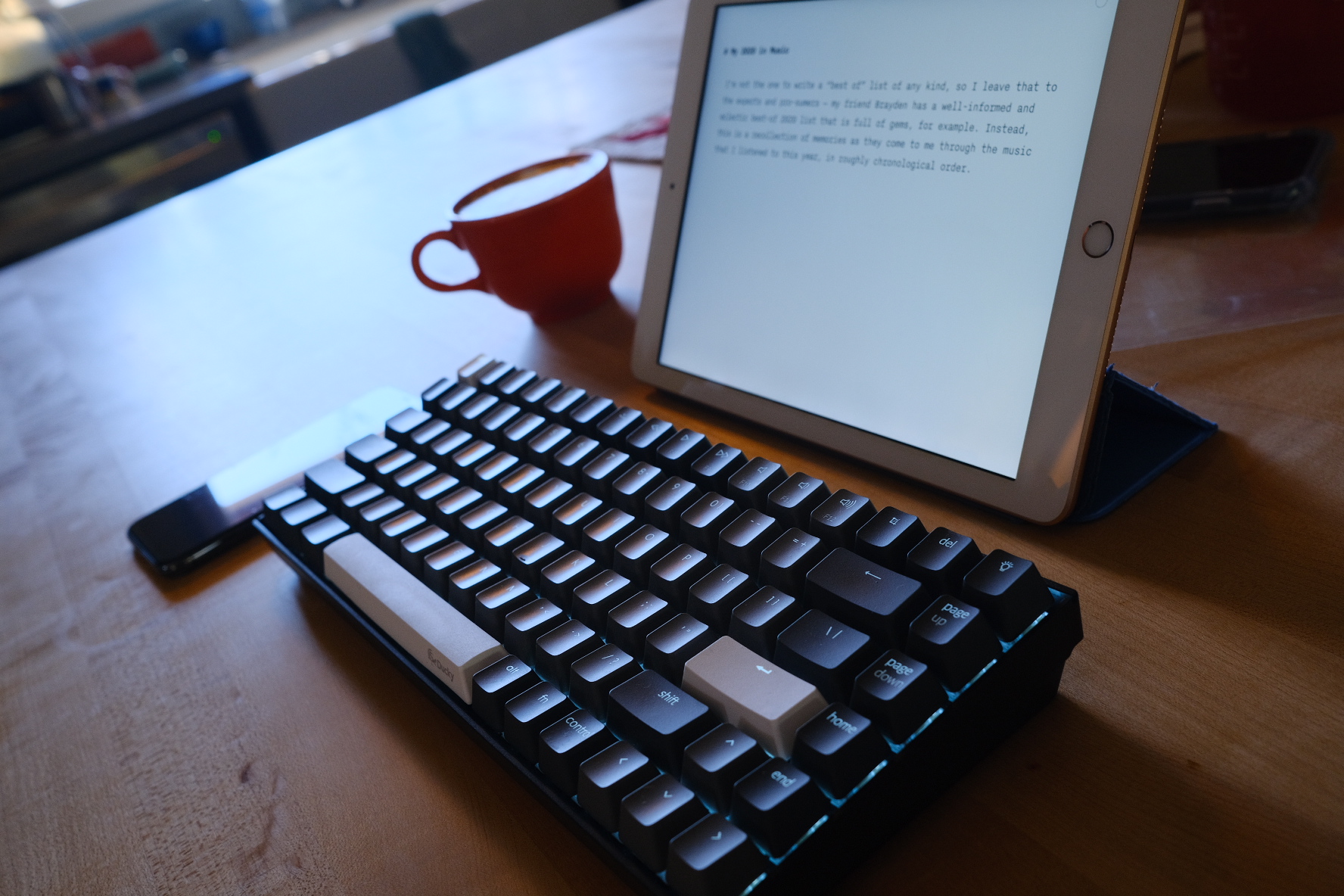
The Keychron and iPad made for a nice setup to do a little writing, today.
-
Constructive Summer ["we're gonna build something this summer" is a mantra]
-
The Bleeding Heart Show [I really love this song]
-
Thunderstruck
-
Sabotage
-
Just Got Paid
I finished my listen of Harrow the Ninth today. Its predecessor novel, Gideon the Ninth, was a sort of haunted house puzzle box body horror costume drama comedy of manners; Harrow maintains much of that, but sharply changes the narrative structure, shifting between narrators, perspectives, and points in time, in addition to stretching out to a massive, universe-wide scale. It’s disorienting and byzantine and I think it’s kind of brilliant, not only in its own right, but in the abrupt pivot in style that Tamsyn Muir pulls off in writing it.
edit: Oh! How could I have forgotten to call this out? The reading of both novels, by Moira Quirk, is absolutely wonderful.
My 2020 in Songs
I’m not the one to write a “best of” list of any kind, so I leave that to the experts and music pro-sumers — my friend Brayden has a well-informed and eclectic best-of 2020 list that is full of insight, for example. Instead, this is a recollection of memories as they come to me through some of the music that I listened to this year, in roughly chronological order.
[Playlist]
“Go Back” and “Best of the Best of Times” by Darlingside
There were the tracks I played in the car on the way to my early morning spin class every Wednesday, in the deep dark of January and February 4:30ams. They are alternatingly exuberant, redemptive and searching; listening to them now I mostly hear their bittersweet openness to a better world. I included the final lines from Best of the Best of Times in our holiday card, this year.
And I wonder / whether our days are unnumbered / if one is the same as another / whether we mistook the colors / for the real thing / if we'll RING OUT / brimming and broken and somehow truer than blue / and then come to / pulled from the wreck in the daybreak / ALL EQUAL AND SAFE / we're a long way from the best of the best of times
Rush
Neil Peart died a few days into January. I got to see the band on their final tour, and binged a lot of favorite albums for the first half of the month. This also coincided with the time I was exploring/discovering Roon, and it was a key moment in setting up a system with it and rediscovering favorite albums from throughout my library.
“I Knew Prufrock Before He Was Famous” by Frank Turner
This song opens the live album that Turner released in January. It surges with desperation to become something, and with love for one’s friends. It’s an anthem that catches me every time, and it’s so striking live with a singing audience.
“Here’s Looking at You, Kid” by The Gaslight Anthem
I’ve always liked this song, and this live version from a small-sounding session is just lovely. I listened to this album a bunch when going to lunch in January, either driving over pick up something at the Whole Foods, or walking downhill and across the bridge to the little cafe a few blocks from the office.
Joseph, Good Luck Kid
I had this album on the turntable a lot in January, and the title track would be on the workout playlist that I put together for our home sessions.
“Grafitti”, Chvrches
Another workout playlist song and another anthem for the year.
I went ahead and put a handful more of the workout playlist into the 2020 memories. We heard those songs a lot this year.
A lot of Josh Ritter
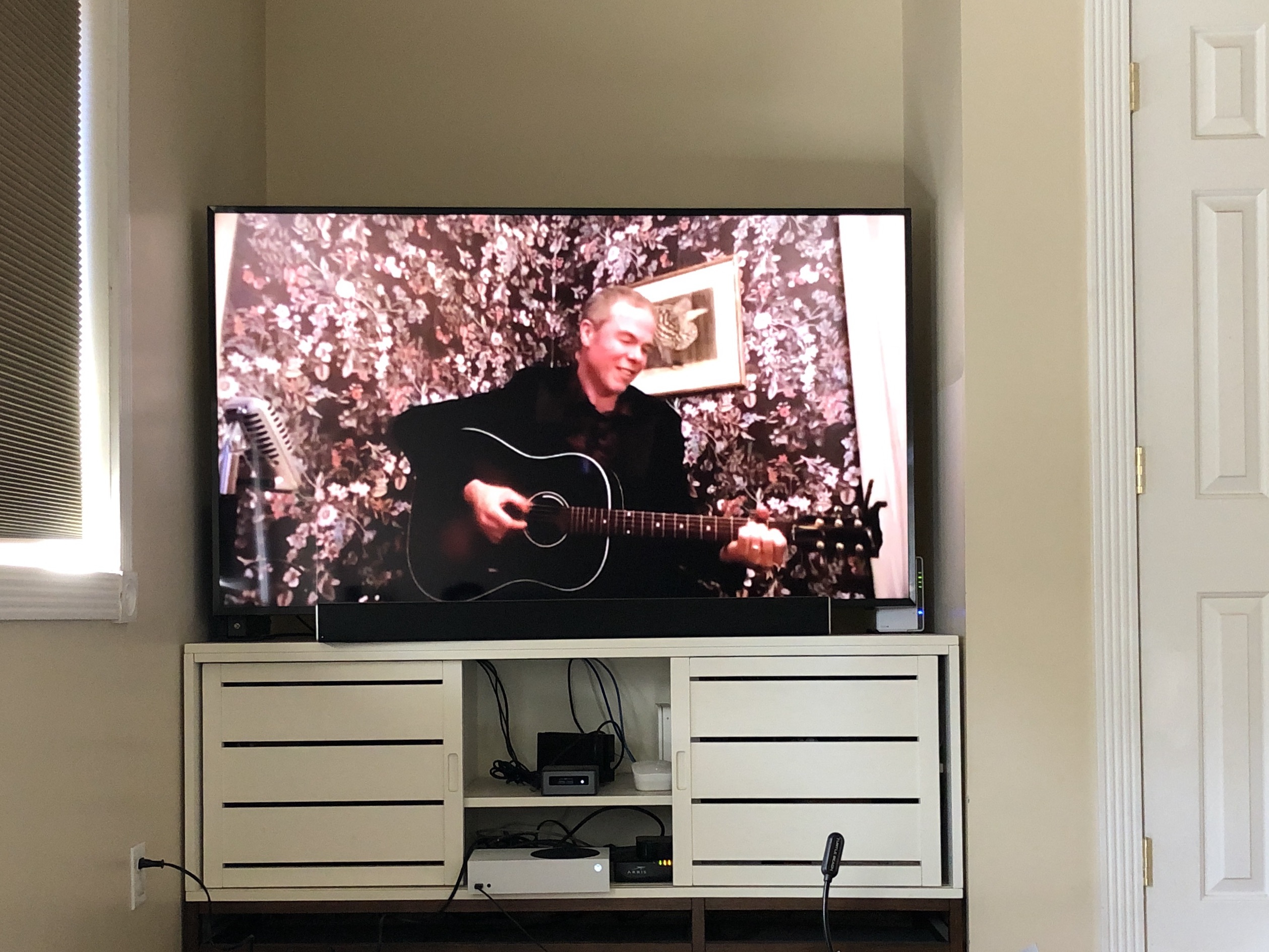
Josh began performing Silo Sessions early in the spring, when lockdowns began. Silo — a nod to his characters in “The Temptation of Adam”; as the year went on these small shows gained meaning, but even early on they were so moving. We streamed them to the TV and shared texts, pictures of our snacks and drinks, and screenshots with family far away, doing the same. In an autumn show, Josh compared these shows to briefly being able to see one another's lonely campfires in our isolation. What a perfect image.
I think if so much of the year was about being guarded and careful, working to stay safe and strong, an hour at a time of togetherness and vulnerability was just about all I could take. Listening to these songs and thinking of those times makes me choke up now as I write.
Micah Schnabel, “The Interview” and “Death Defying Feats”
I first saw Micah Schnabel on a livestream living room show by Frank Turner in April. He’s brutally honest, confessional, funny. In “The Interview” he sings:
“And why do you do what you do? / It's the only thing I know how to do / If I knew how to do anything else I’d probably do that / I’m not very good at this and it’s really hard.”
And Death Defying Feats has this cutting line:
“It’s okay to be anxious / It’s okay to be scared / This is our first, last / And only time on earth / And we’re all incredibly unprepared”
Punisher, Phoebe Bridgers
This is one of the albums on lots of top of the year lists that also is on my list. Everybody’s right; it’s amazing.
John Prine
Prine died in early April, of COVID. Fuck, he was a treasure. What a loss. In June, his wife released his final song, “I Remember Everything.” Everybody should read this travelogue with him: Living in the Present With John Prine.
Prine performs “Mexican Home” with Josh Ritter on a live album. Somewhere I saw a recollection from Josh about how nervous he was to cover that song, and he shared Prine’s advice to just take it slow, take it slow, man. That song also has some of the most wonderfully playful and emotive lyrics:
My God! I cried, it's so hot inside
You could die in the living room
Take the fan from the window
Prop the door back with a broom
The cuckoo clock has died of shock
And the windows feel no pane
The air's as still
As the throttle on a funeral train
Yo La Tengo, We Have Amnesia Sometimes
At some point in the summer I listened to a lot of wordless sound. This album by Yo La Tengo is hypnotic and transporting.
Folklore, Taylor Swift
I first listened to this album while paddling on the lake and can’t think of it without the sensation of lightly rocking atop the paddleboard.
Margo Price, That’s How Rumors Get Started
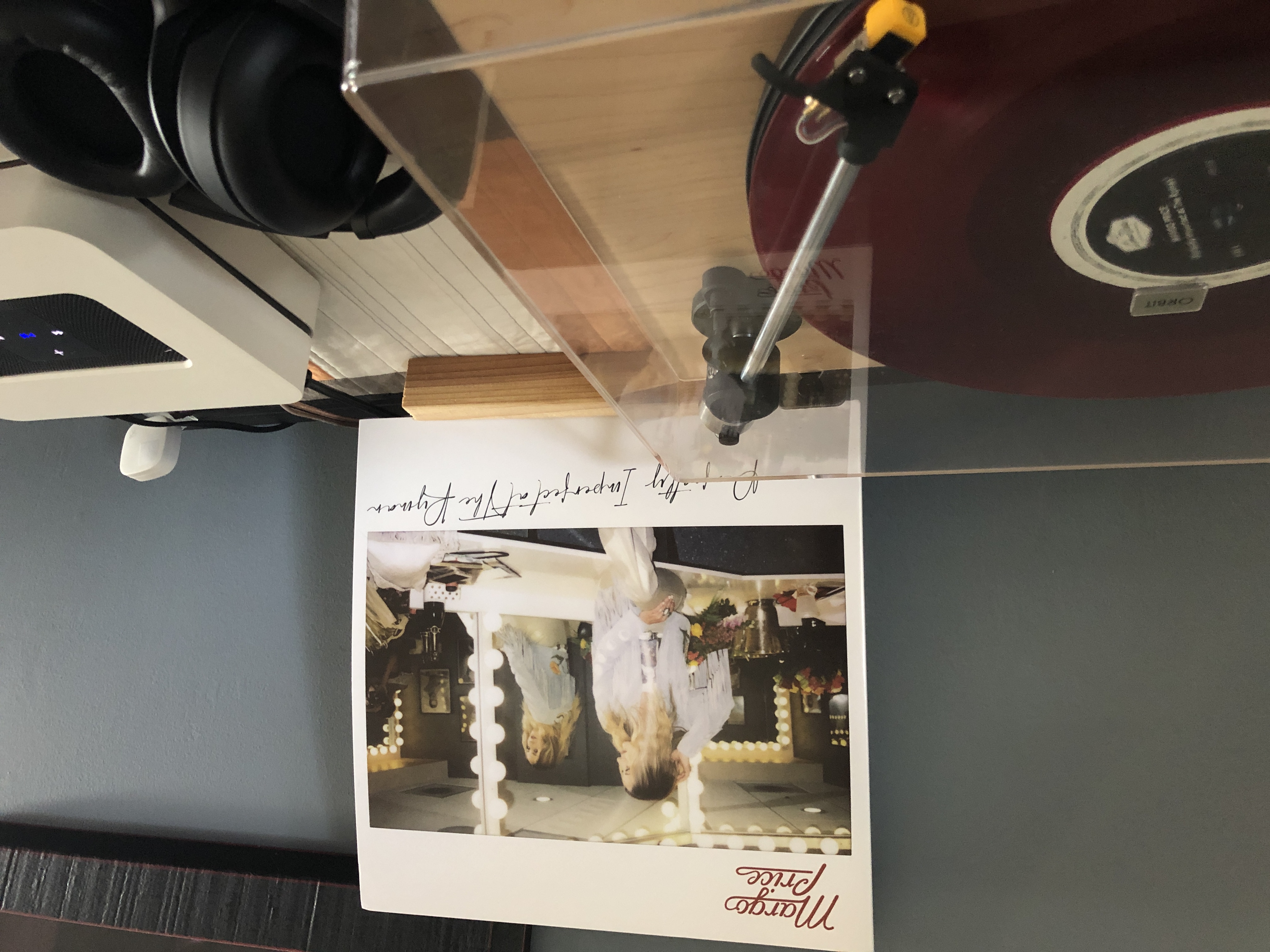
Price is so good. I listened to this rolling and propulsive Americana album a lot heading into the autumn, this year. Late in the year, Price released a riot of a live set, Perfectly Imperfect at the Ryman.
Wildflowers & All the Rest by Tom Petty
This massive triple-ish album includes a re-release of Wildflowers, demos and live tracks. The original album hit at just the right time in my younger-ish musical ride and became the foundational Tom Petty album in my mind. We listened to chunks of this album through several nights of cooking dinner in November, as fall night came earlier and earlier.
Hell Yeah! by Josh Ritter
I guess it’s fitting that my year of music ends with more Josh Ritter, one of a few constants through this year. He released this album quite by surprise in December, and sold it for only a few days, as a benefit to his crew and band. It’s a compilation of live tracks that includes old favorites and beautiful recordings of newer songs. The band absolutely shines. Sometimes a line strikes me new: On “Kathleen” he sings
every heart is a package tangled up in knots someone else tied
And, well, damn. That’s a lyric to keep in your pocket forever.